


Tutorial – FHIR Implementation Guides with FHIR Shorthand language

Table of Contents

Introduction to FHIR

Fast Healthcare Interoperability Resources (FHIR) is the latest standard created by Health Level 7 to address the difficulty of data exchange between different health information systems.

What makes it different from its predecessors is that it adapts to new architectural paradigms and web development technologies.

It has been met with great success, as evidenced by its adoption for their interoperability improvement strategies by:

https://www.hl7.org/fhir

Anatomy of a FHIR implementation guide

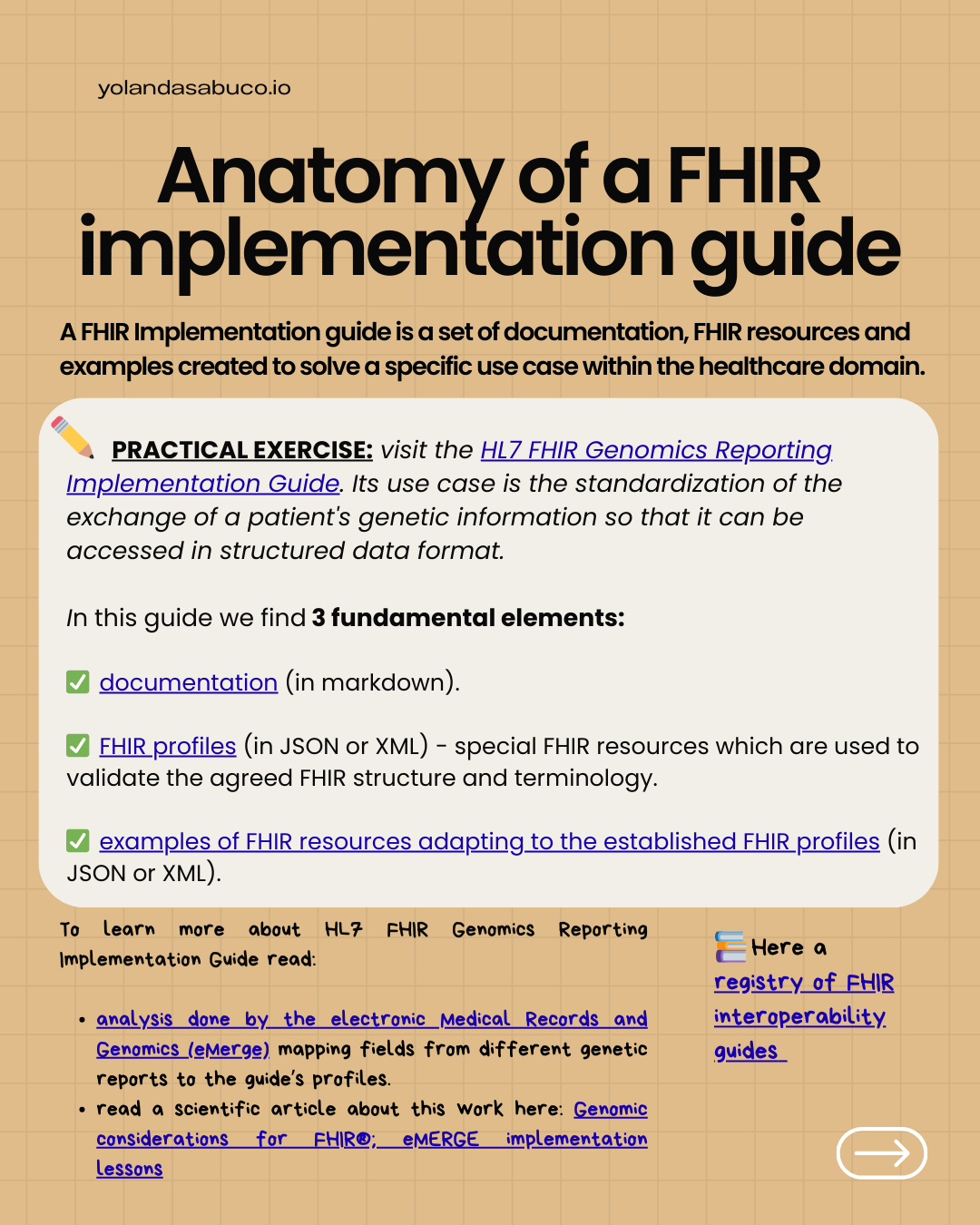
We refer to FHIR implementation guide as the set of documentation, FHIR profiles and examples created to solve a specific use case within the healthcare domain.

PRACTICAL EXERCISE: visit the HL7 FHIR Genomics Reporting Implementation Guide. Its use case is the standardization of the exchange of a patient’s genetic information so that it can be accessed in structured data format.

In this guide we find 3 fundamental elements:

✅ documentation (in markdown).

✅ FHIR profiles (in json or xml) – special FHIR resources which are used to validate the agreed FHIR structure and terminology. 🔎 Check Matchbox FHIR resource validation tutorial to understand how the FHIR profiles are used.

✅ examples of FHIR resources adapting to the established FHIR profiles (in json or xml).

To learn more about this use case:

📍Here a registry of FHIR interoperability guides.

How FHIR implementation guides are generated

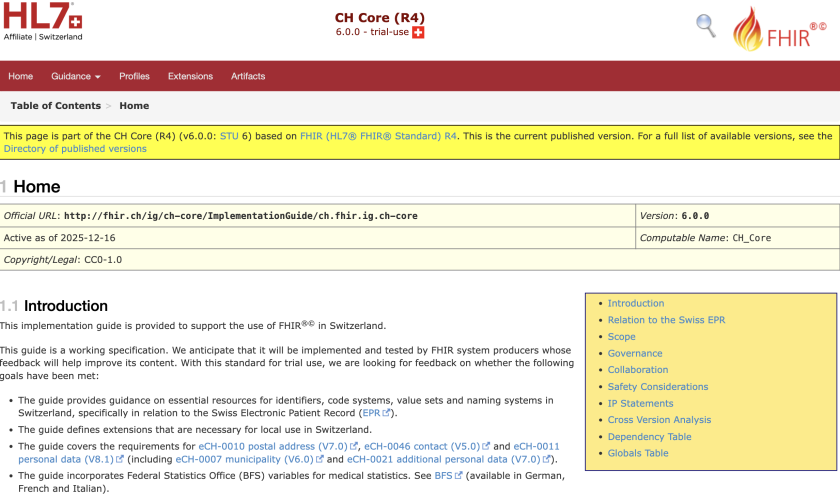
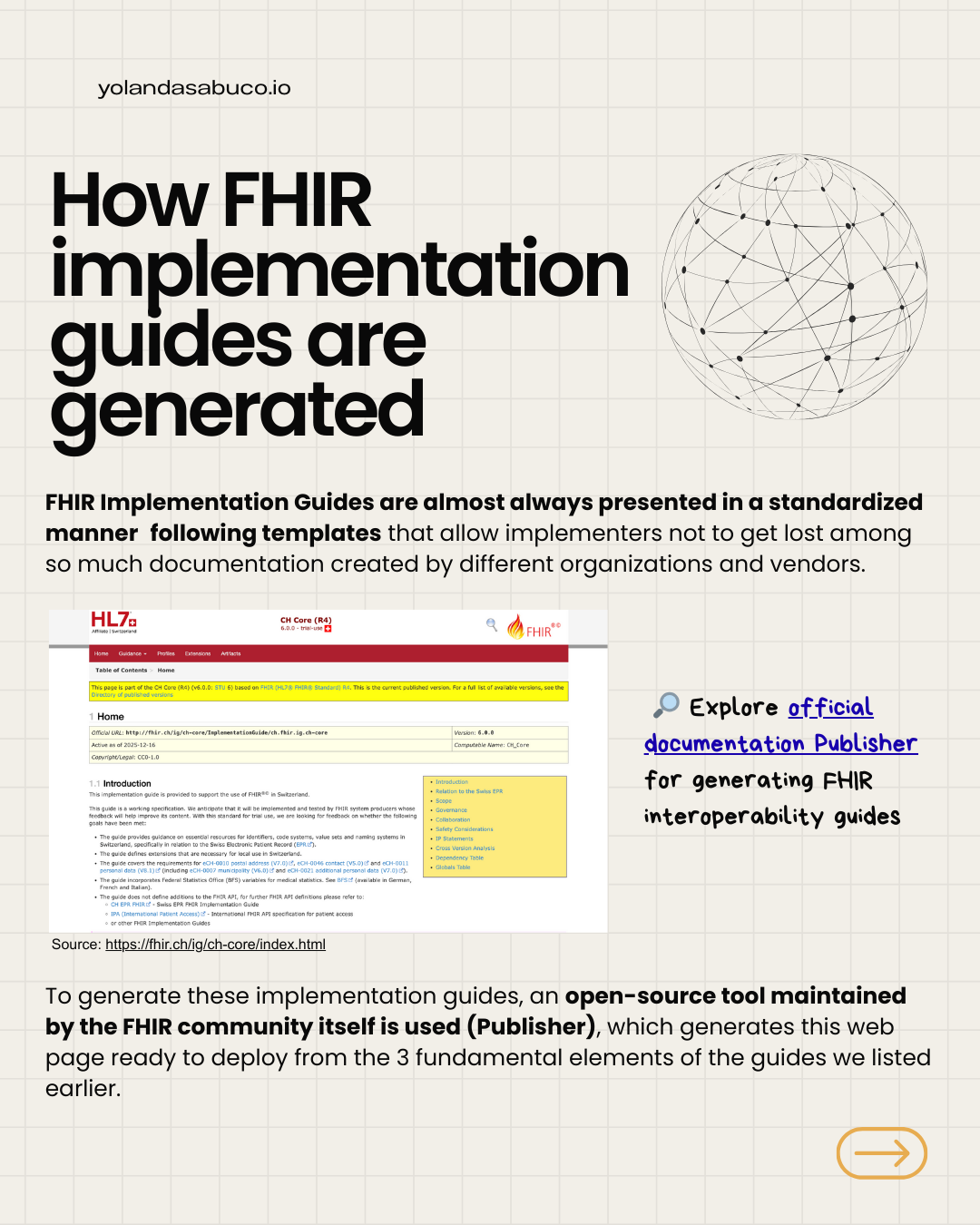
FHIR Implementation Guides are almost always presented in a standardized manner following templates that allow implementers not to get lost among so much documentation created by different organizations and vendors.

image

To generate these implementation guides, open-source tool maintained by the FHIR community itself is used (Publisher), which generate this web page ready to deploy from the 3 fundamental elements of the guides we listed earlier.

🔎 Explore official documentation Publisher for generating FHIR interoperability guides.

Scalable FHIR Implementation Guides

A FHIR interoperability guide is a software project.

To ensure that all developments derived from it are robust and maintainable over time, its components must be managed using source code control.

This allows implementers:

following the guide to track its evolution

adapt to new version changes

and maintain a clear lineage between the guide and the implementations.

FHIR profiles in a implementation guide

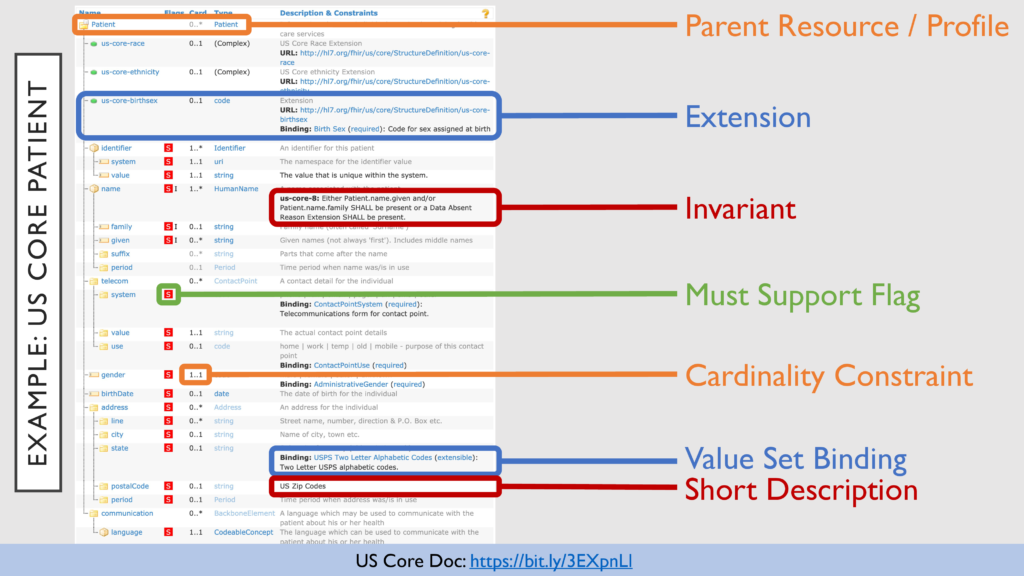
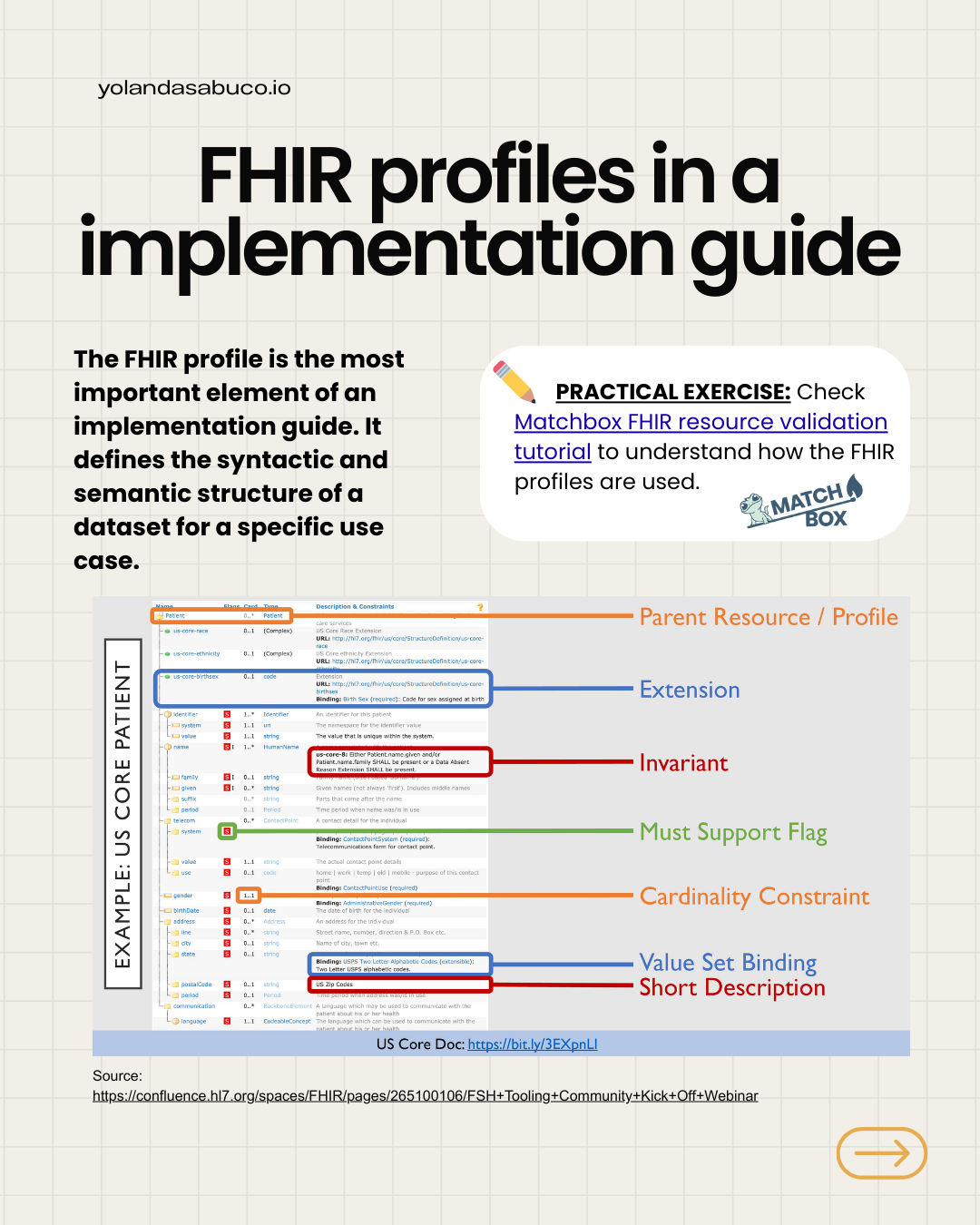
The FHIR profile is the most important element of an implementation guide. It defines the syntactic and semantic structure of a dataset for a specific use case.

PRACTICAL EXERCISE: Check Matchbox FHIR resource validation tutorial to understand how the FHIR profiles are used.

Maintaining FHIR profiles over the time

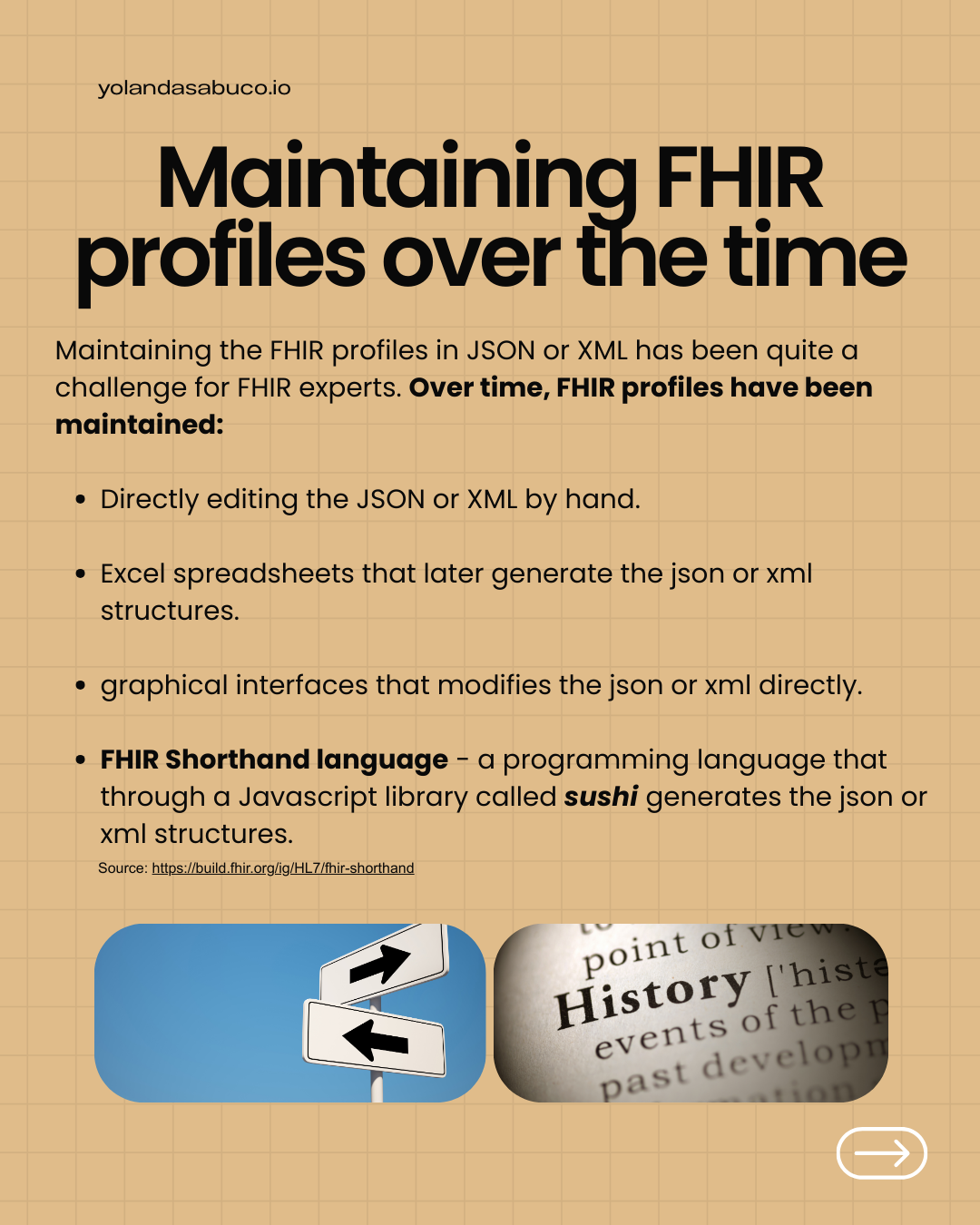
Maintaining the FHIR profiles in json or xml has been quite a challenge for FHIR experts. Over time, FHIR profiles have been maintained:

  • Directly editing the json or xml by hand.
  • Excel spreadsheets that later generate the json or xml structures.
  • graphical interfaces that modifies the json or xml directly.
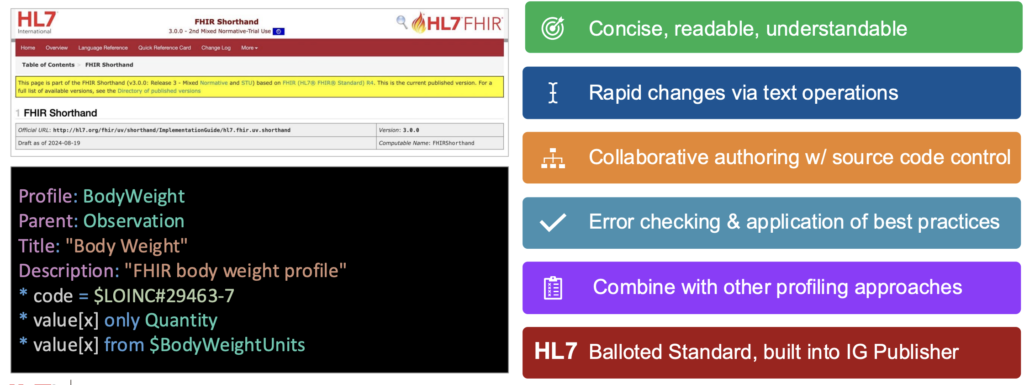
  • FHIR Shorthand language – a programming language that through a Javascript library called sushi generates the json or xml structures.


Source: https://build.fhir.org/ig/HL7/fhir-shorthand

FHIR Shorthand language

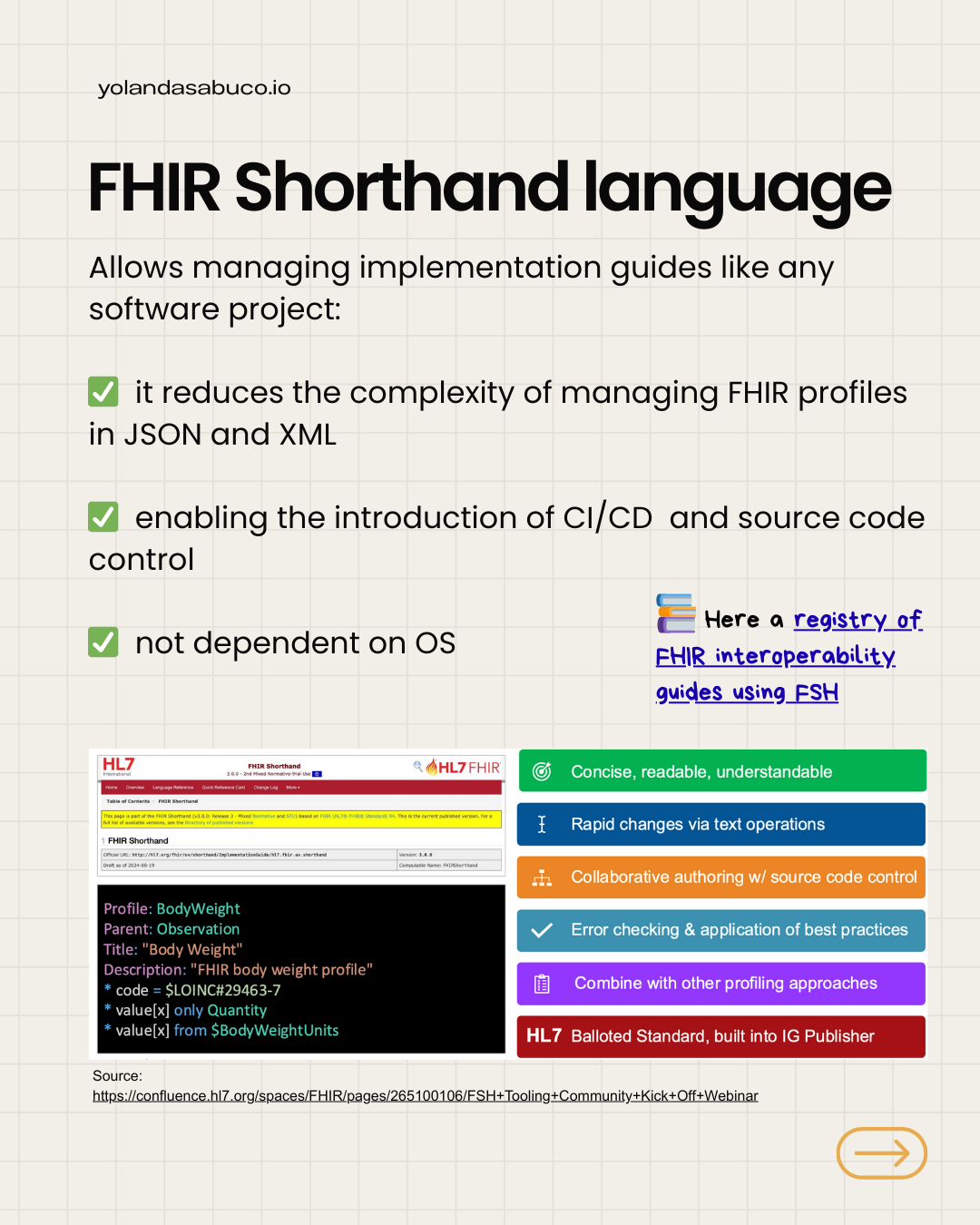
Allows managing implementation guides like any software project:

reduces the complexity of managing FHIR profiles with json and xml

enabling the introduction of CI/CD and source code control

not dependent on OS

📍Here a registry of FHIR interoperability guides using FSH

Start with FHIR Shorthand language

The go-to resource for learning the FHIR Shorthand language is the official FSH School website and installing FHIR Shorthand is quite straightforward.

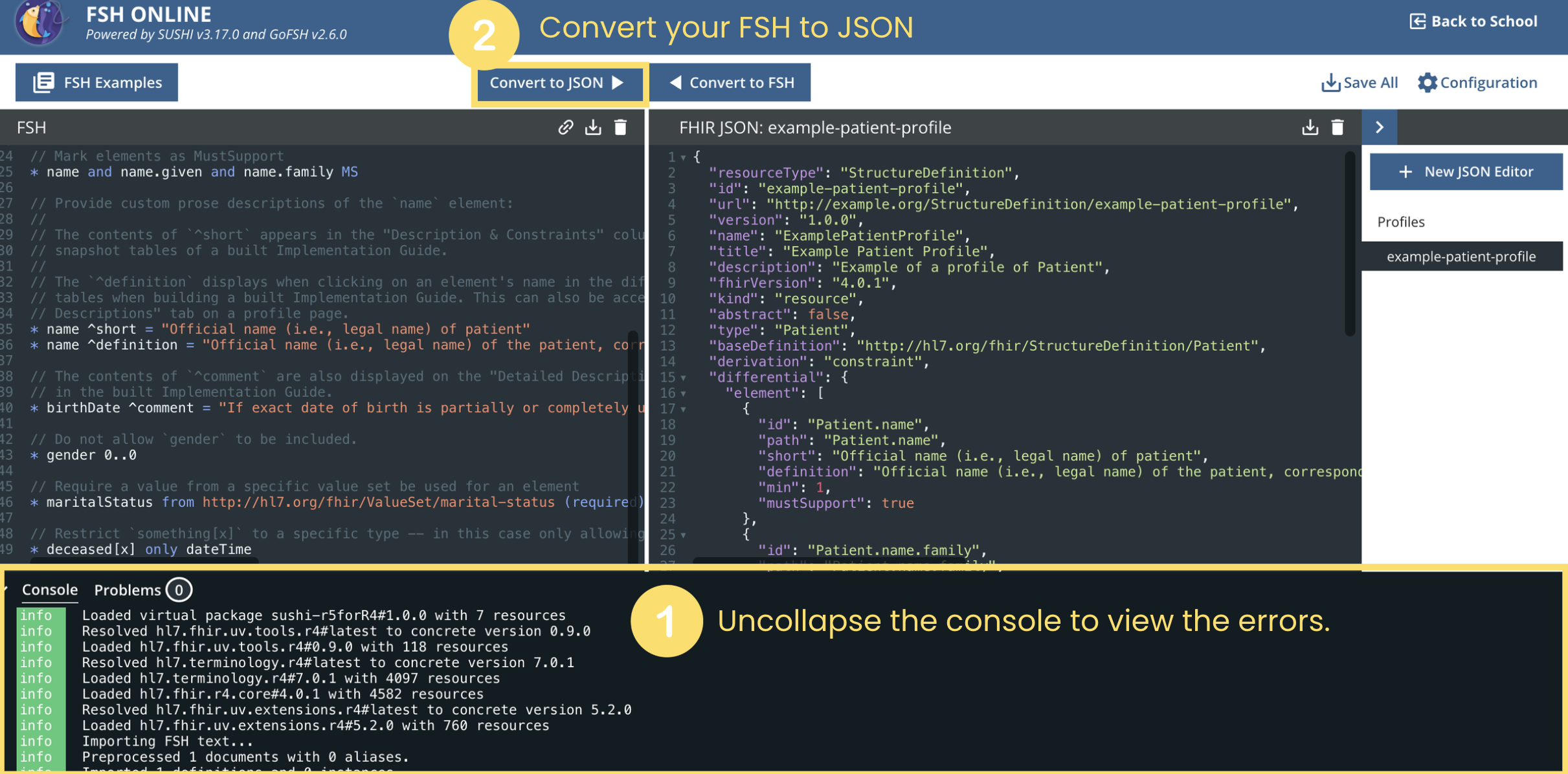
If you want to start learning the language without any installation, I recommend using FSH Online tool. In our tutorial, we will use this tool, and the following image shows the features you should learn to use marked in yellow.

Screenshot at Jan 21 15-46-18

✏️ Create a FHIR profile

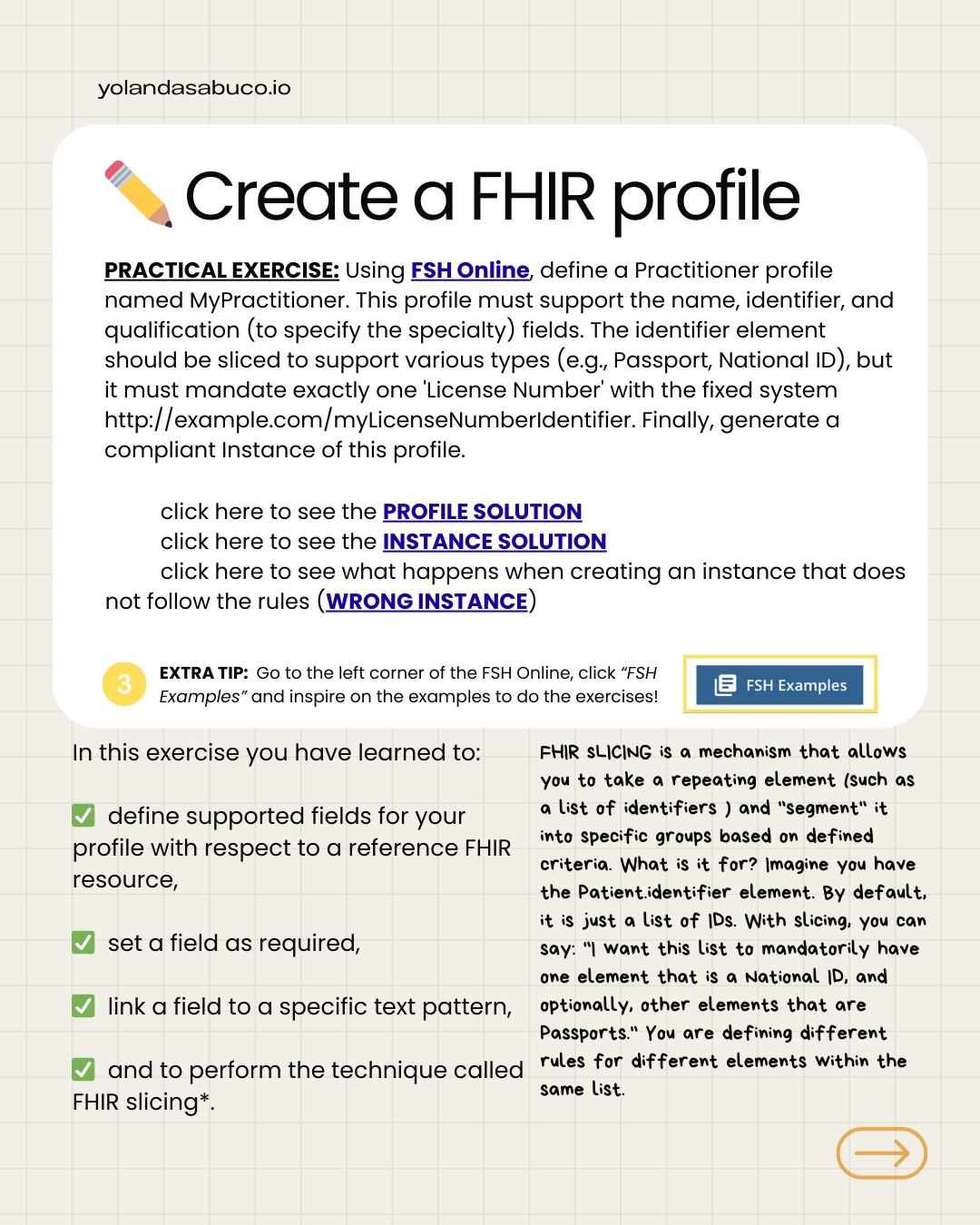
PRACTICAL EXERCISE: Using FSH Online, define a Practitioner profile named MyPractitioner. This profile must support the name, identifier, and qualification (to specify the specialty) fields. The identifier element should be sliced to support various types (e.g., Passport, National ID), but it must mandate exactly one ‘License Number’ with the fixed system http://example.com/myLicenseNumberIdentifier. Finally, generate a compliant Instance of this profile.

1️⃣ click here to see the PROFILE SOLUTION

2️⃣ click here to see the INSTANCE SOLUTION

3️⃣ click here to see what happens when creating an instance that does not follow the rules (WRONG INSTANCE)

EXTRA TIP: Go to the left corner of the FSH Online, click “FSH Examples” and inspire on the examples to do the exercises.

In this exercise you have learned to:

define supported fields for your profile with respect to a reference FHIR resource,

set a field as required,

link a field to a specific text pattern,

and to perform the technique called FHIR slicing*.

FHIR Slicing is a mechanism that allows you to take a repeating element (such as a list of identifiers ) and “segment” it into specific groups based on defined criteria. What is it for? Imagine you have the Patient.identifier element. By default, it is just a list of IDs. With slicing, you can say: “I want this list to mandatorily have one element that is a National ID, and optionally, other elements that are Passports.” You are defining different rules for different elements within the same list.

✏️ Make your FHIR profile work with terminologies

PRACTICAL EXERCISE: Using FSHOnline, create a FHIR value set with the following SNOMED codes (system = http://snomed.info/sct):

  • 394579002 “Cardiology”
  • 394588006 “Pediatric oncology”
  • 394593009 “Medical oncology”

and bind it to the field qualification in required mode. Finally, generate a compliant Instance of this profile.

1️⃣ click here to see the PROFILE SOLUTION

2️⃣ click here to see the INSTANCE SOLUTION

3️⃣ click here to see what happens if we create an instance that does not follow the rules (WRONG INSTANCE) 😆 do not panic !

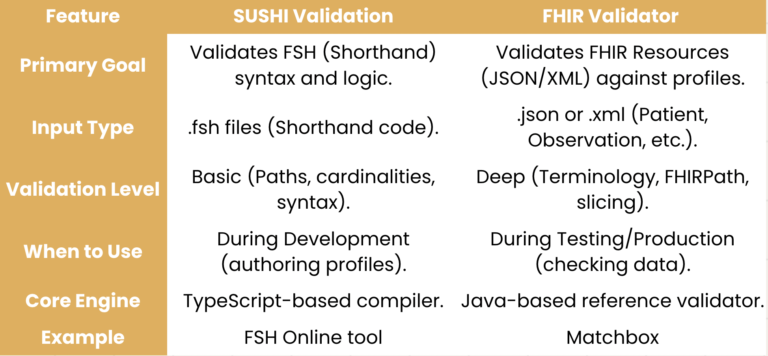
Even though we are using a code that doesn’t exist in SNOMED and isn’t included in our ValueSet, FHIROnline doesn’t complain. Why? Because to perform terminology validation, you need the FHIR validator, not SUSHI. In the following link, I’m sending you an example of a validation in Matchbox where a code is used that exists neither in SNOMED CT nor in the required ValueSet.

In this exercise you have learned to:

create a value set,

bind a value set to a field of a profile,

and differences between Sushi Validation and FHIR Validation

✏️ Customize your FHIR profile with extensions

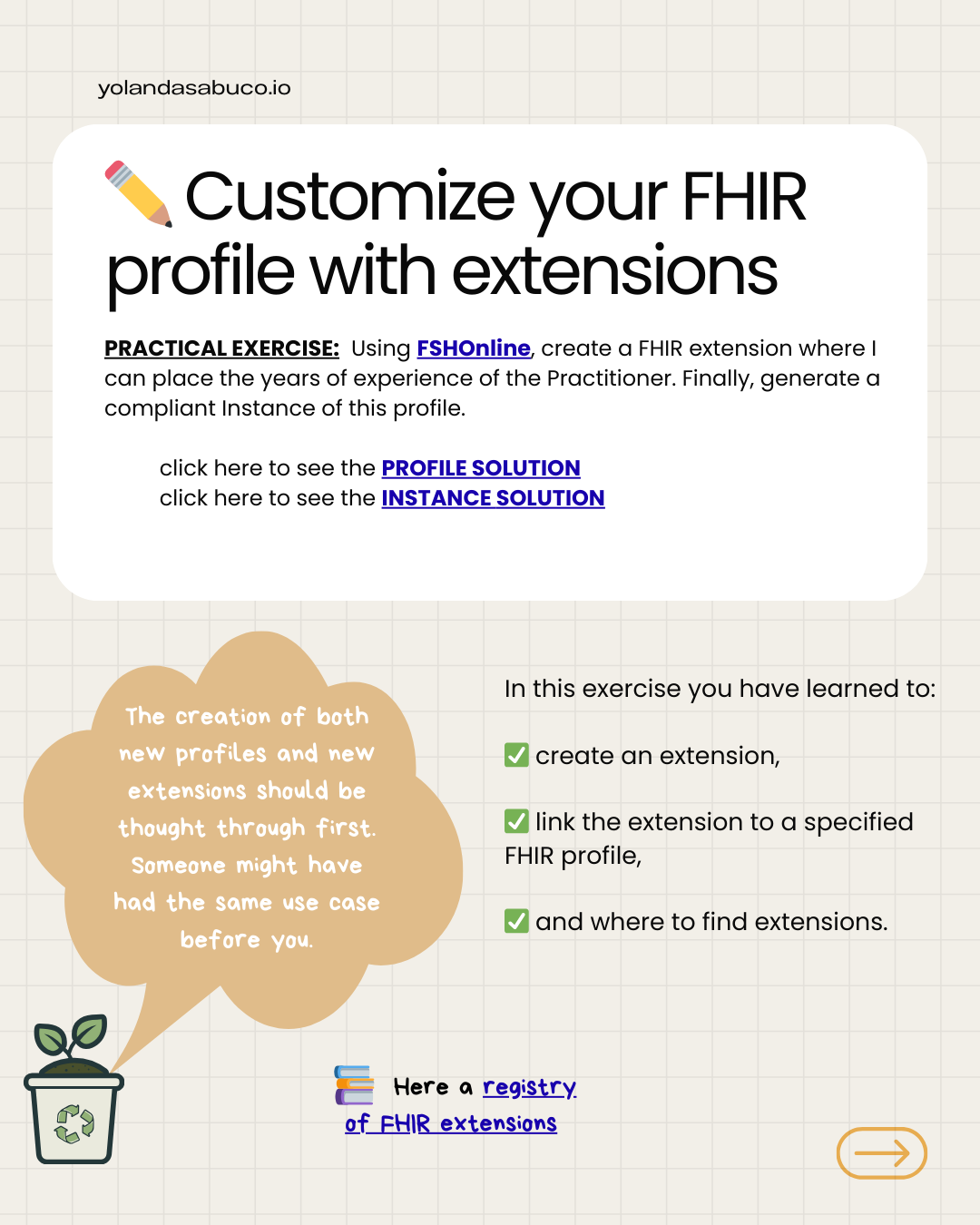
PRACTICAL EXERCISE: Using FSHOnline, create a FHIR extension where I can place the years of experience of the Practitioner. Finally, generate a compliant Instance of this profile.

1️⃣ click here to see the PROFILE SOLUTION

2️⃣ click here to see the INSTANCE SOLUTION

📍Here a registry of FHIR extensions

✏️ Customize your FHIR profile with extensions

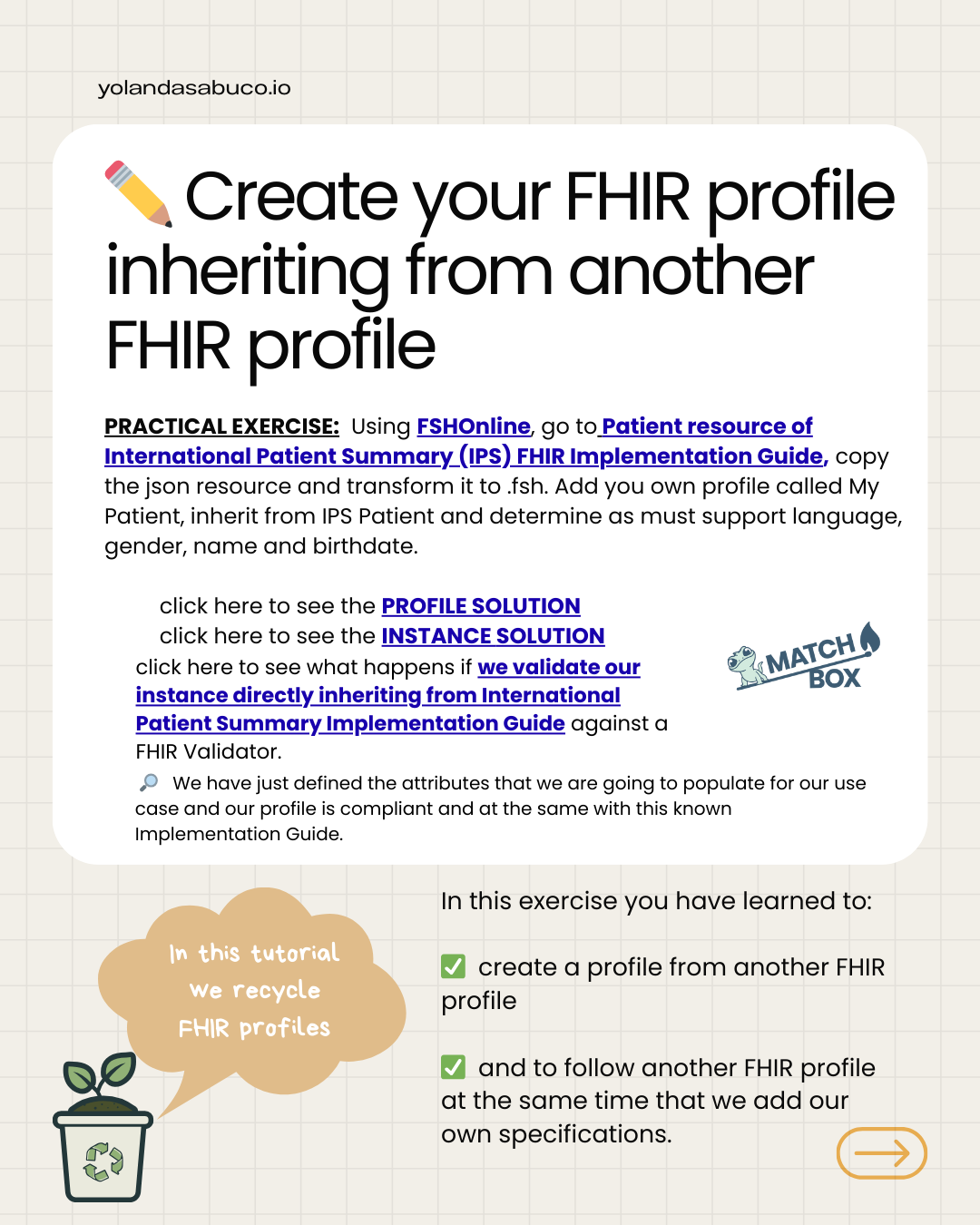
PRACTICAL EXERCISE: Using FSHOnline, go to Patient resource of International Patient Summary (IPS) FHIR Implementation Guide, copy the json resource and transform it to .fsh. Add you own profile called My Patient, inherit from IPS Patient and determine as must support language, gender, name and birthdate.

1️⃣ click here to see the PROFILE SOLUTION

2️⃣ click here to see the INSTANCE SOLUTION

3️⃣ click here to see what happens if we validate our instance directly inheriting from International Patient Summary Implementation Guide against a FHIR Validator.

🔎 We have just defined the attributes that we are going to populate for our use case and our profile is compliant and at the same with this known Implementation Guide.

In this exercise you have learned to:

create a profile from another FHIR profile

and to follow another FHIR profile at the same time that we add our own specifications.

✏️ Customize your FHIR profile with invariants

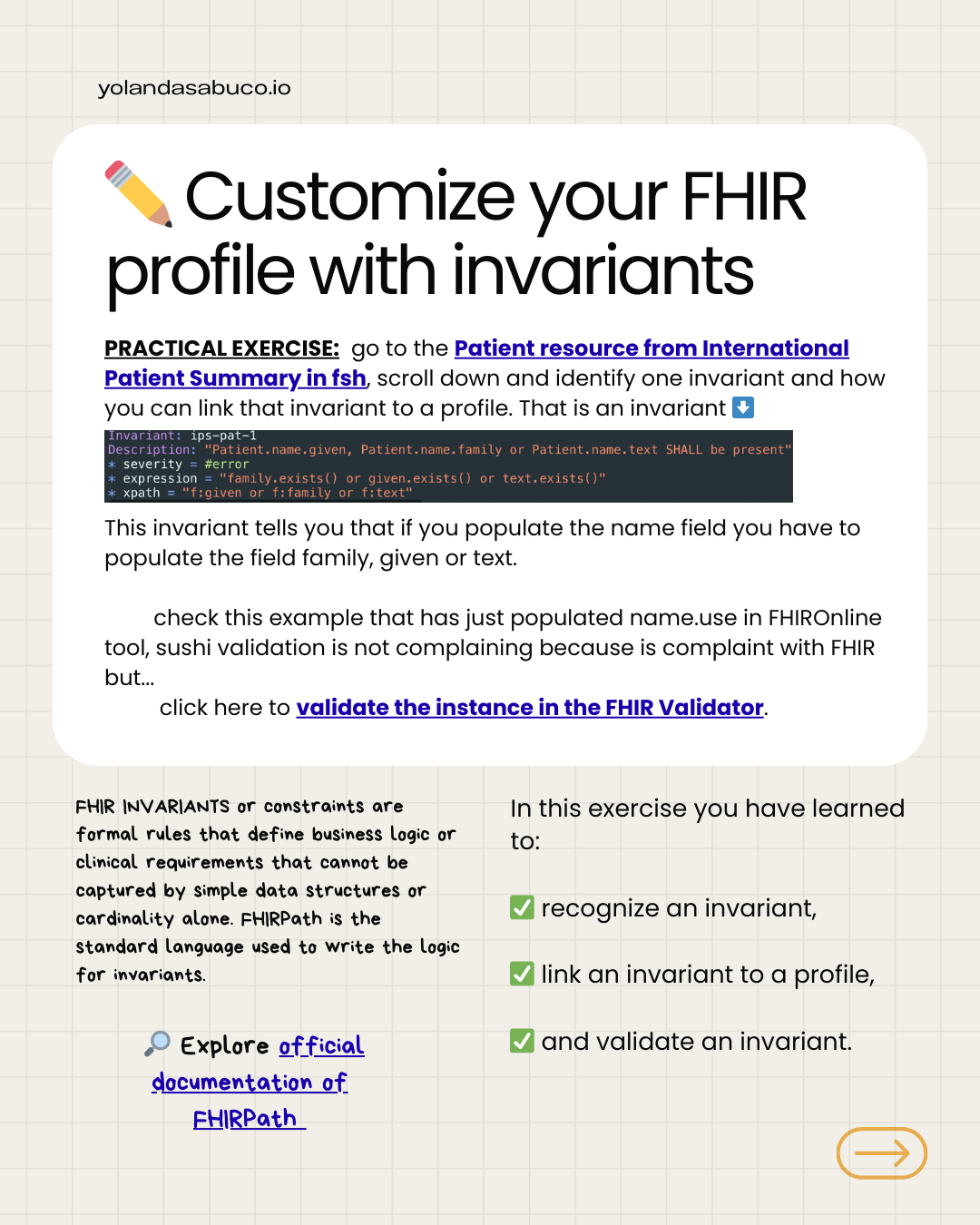
PRACTICAL EXERCISE: go to the Patient resource from International Patient Summary in fsh, scroll down and identify one invariant and how you can link that invariant to a profile. That is an invariant ⬇️

This invariant tells you that if you populate the name field you have to populate the field family, given or text.

1️⃣ check this example that has just populated name.use in FHIROnline tool, sushi validation is not complaining because is complaint with FHIR but…

2️⃣ click here to validate the instance in the FHIR Validator.

FHIR INVARIANTS or constraints are formal rules that define business logic or clinical requirements that cannot be captured by simple data structures or cardinality alone. FHIRPath is the standard language used to write the logic for invariants.

🔎 Explore official documentation of FHIRPath

In this exercise you have learned to:

✅ recognize an invariant,

✅ link an invariant to a profile,

✅ and validate an invariant.

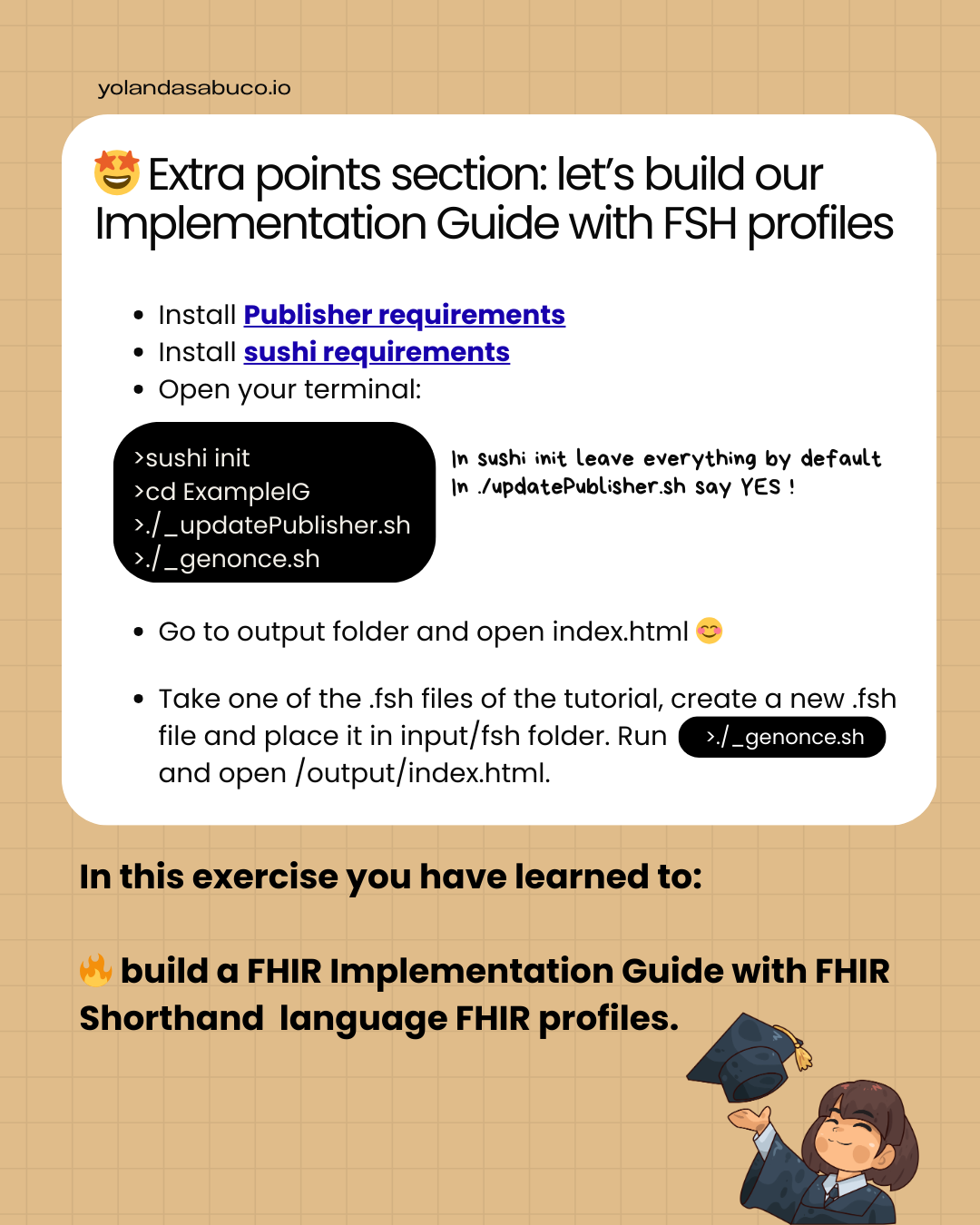
🤩 Extra points section: let’s build our Implementation Guide with FSH profiles

				
					sushi init 
cd ExampleIG
./_updatePublisher.sh
./_genonce.sh


  • Go to output folder and open index.html 😊
  • Take one of the .fsh files of the tutorial, create a new .fsh file and place it in input/fsh folder.
  • Run: 
				
					./_genonce.sh
				
			
  • Go to output folder and open index.html.

In this exercise you have learned to:

🔥 build a FHIR Implementation Guide with FHIR Shorthand language FHIR profiles.